 UniSales
“I’d like to pay. Do you have my statement?”
The shop owner wants to check which invoices are still unpaid. You call the office for a statement while the customer waits at the counter.
“Do you still have the one I ordered last time?”
Check stock, take an order and go over the outstanding balance with the shop owner, all on your phone.

The shop owner wants to check which invoices are still unpaid. You call the office for a statement while the customer waits at the counter.
By the time the office confirms which warehouse has stock, you’re at the next shop and still need to call back to confirm the quantity.
You send an order by WhatsApp. The customer changes the quantity. Your colleague has to read back through the chat to find the final figure.
Select the items, confirm quantities with the customer and enter the order while you’re together.
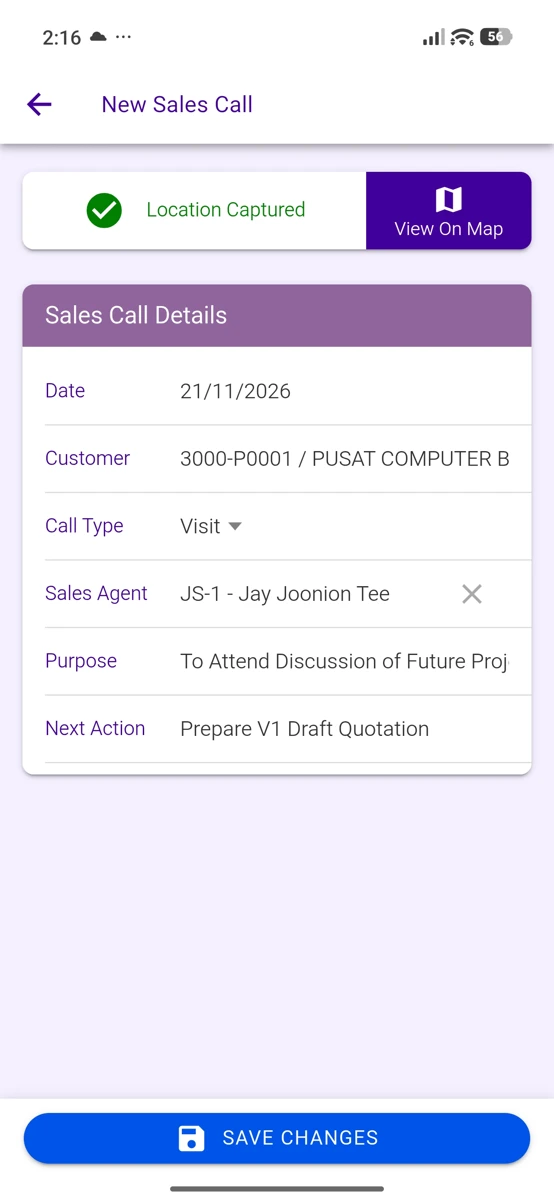
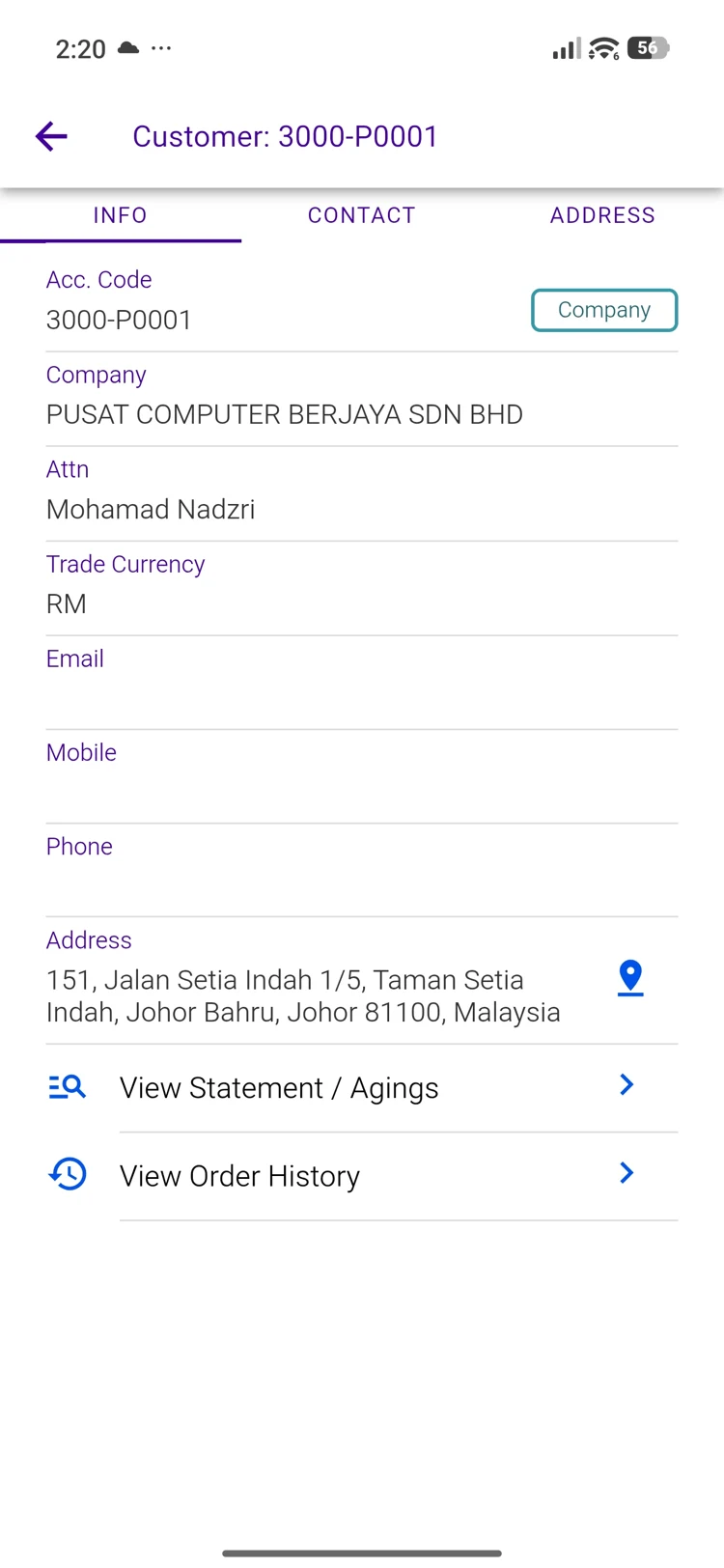
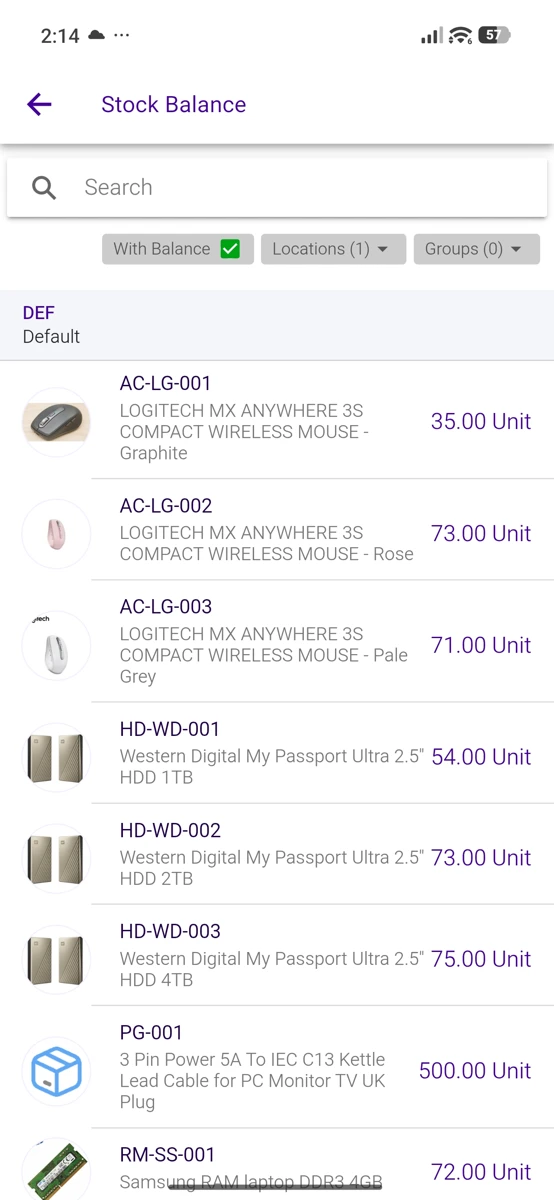
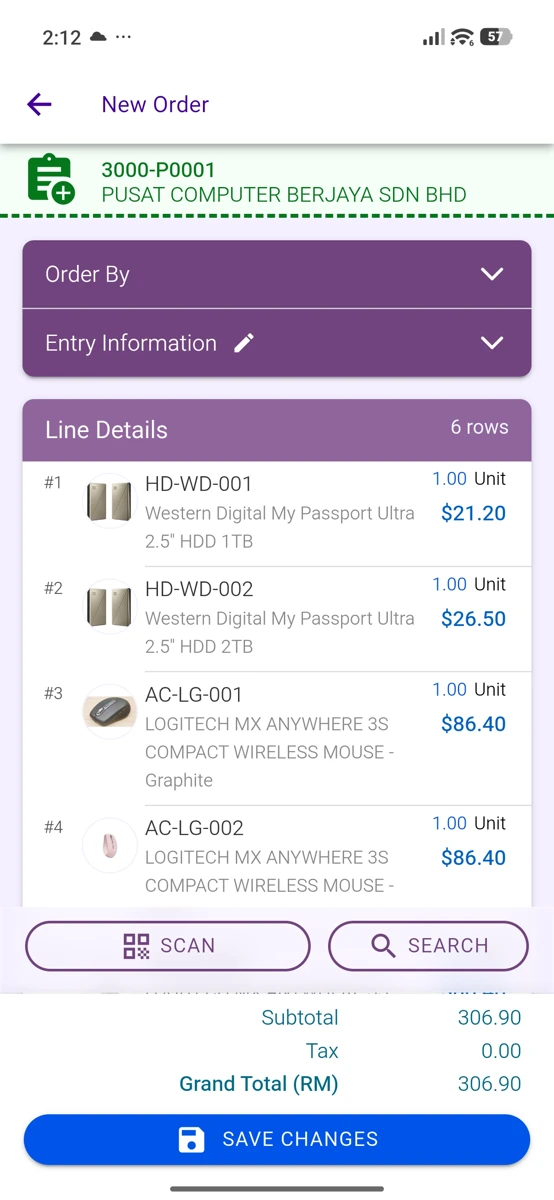

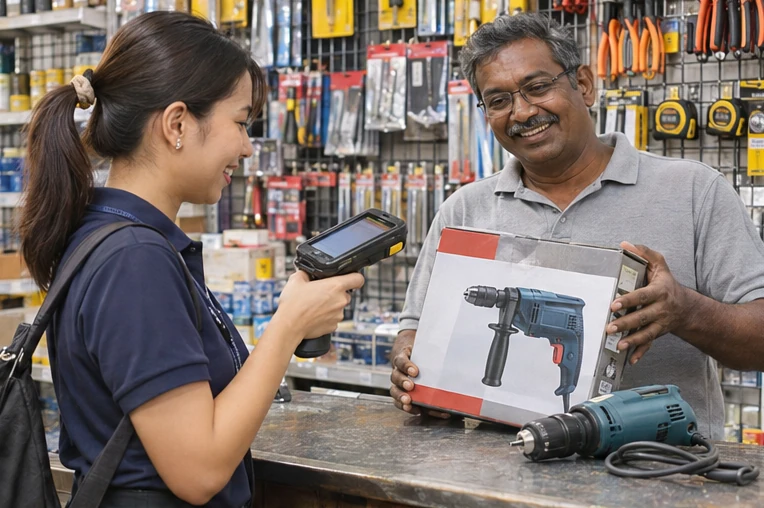
Look up tools and spare parts by item code and check stock across locations.
See stock balances
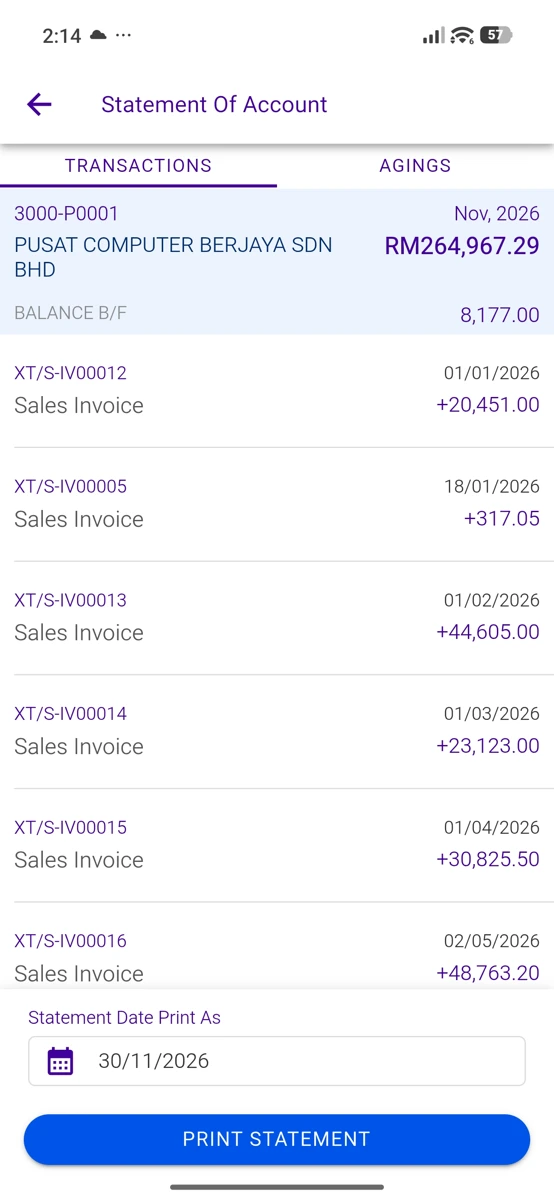
Review replenishment orders and outstanding invoices at the pharmacy.
See a customer statement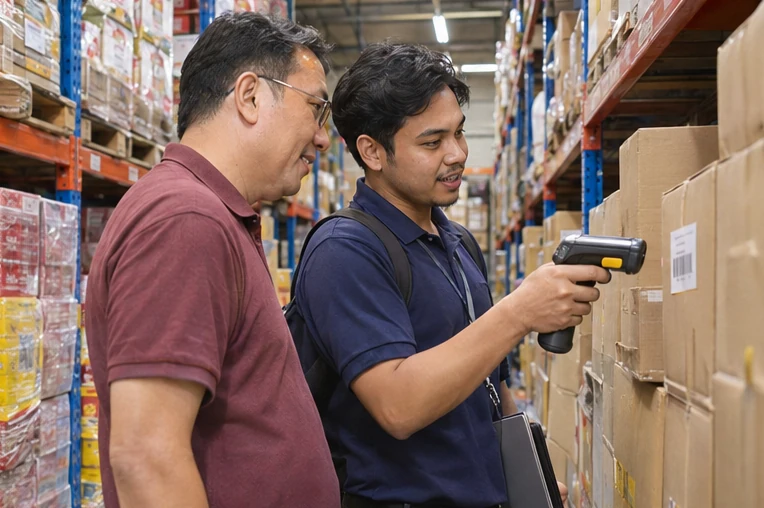
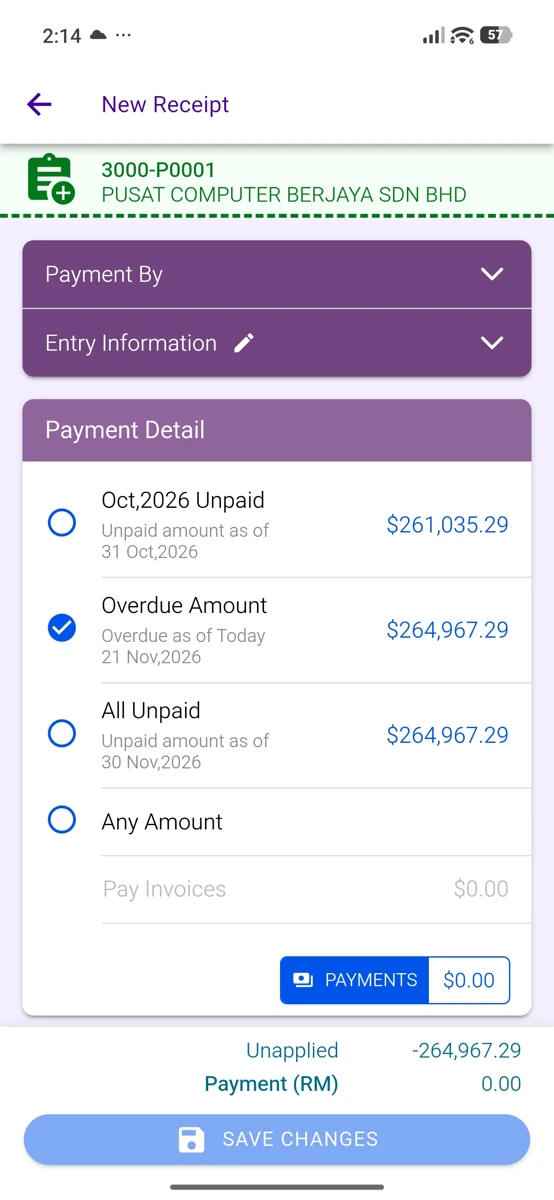
Record multiple items on one order and follow up on customer payments.
See payment entry

When a workshop gives you a part number, check which location has it in stock.
See stock balances
Record service requests on site and review the details before your next visit.
See a visit record
Check shades with the retailer and record the quantities needed for each bestseller.
See order entryFollow up on orders and payments
Review pending orders and recorded payments to see which customers need a follow-up.
Track sales performance
See monthly sales, compare sales groups and customer categories, and review daily quotation, order and invoice counts.
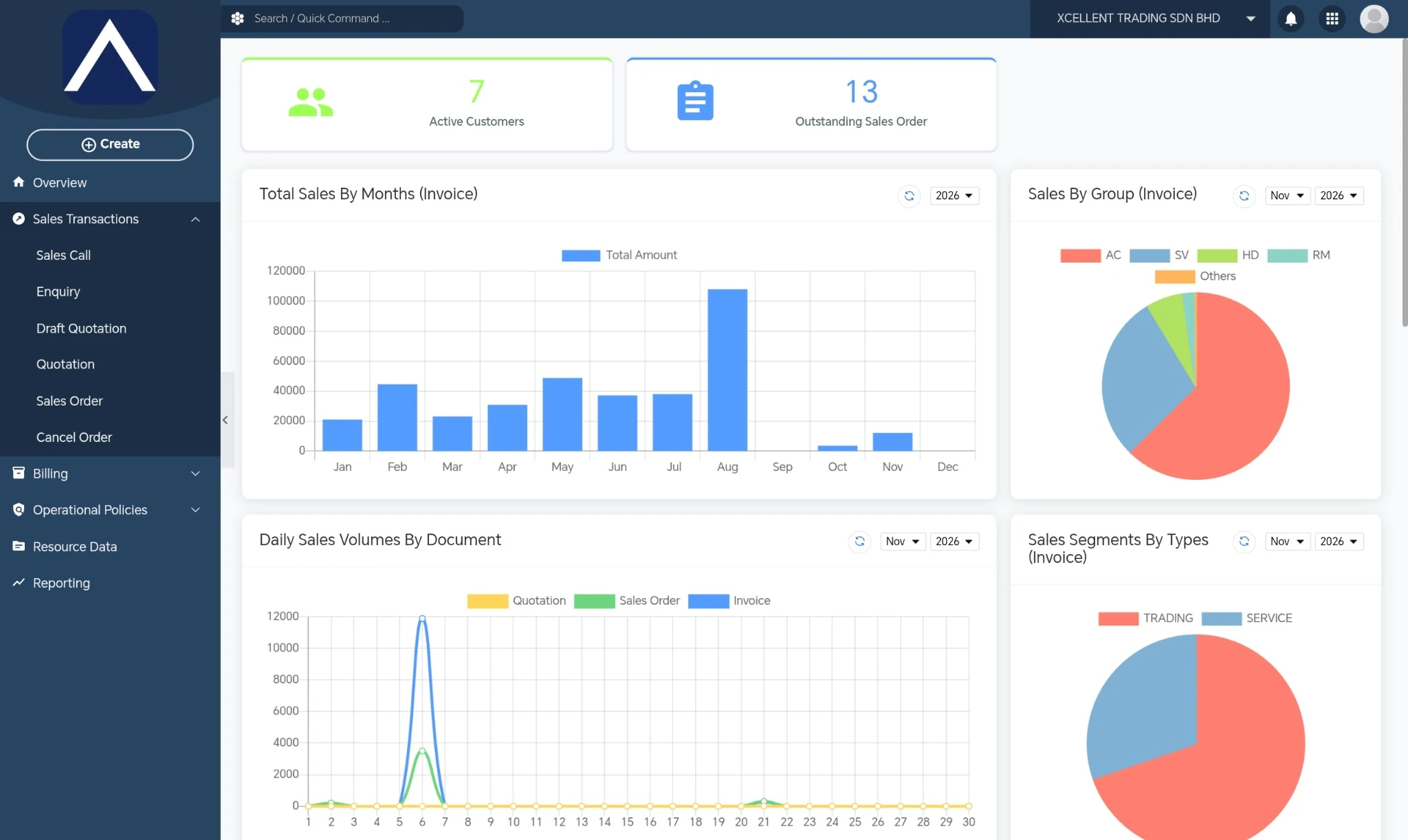
Check stock and balances on your phone with the customer. When you leave, you both know exactly what was ordered.
See which orders need attention and which payments have been recorded. Your next call can start with “How did the visit go?”
Review past orders in the customer profile. Start the conversation with “How did that last batch sell?”
When two packs look alike, use the previous order to confirm the exact item before entering the new quantity.
This example assumes 16.5 minutes per order with the usual process and 10 minutes with UniSales in store.
+65%More orders per hour in this example
Confirm quantities and enter the order in store to save retyping it at the office.
Check your phone to tell the customer which location has stock.
Record the amount and payment method so colleagues have the details for follow-up.
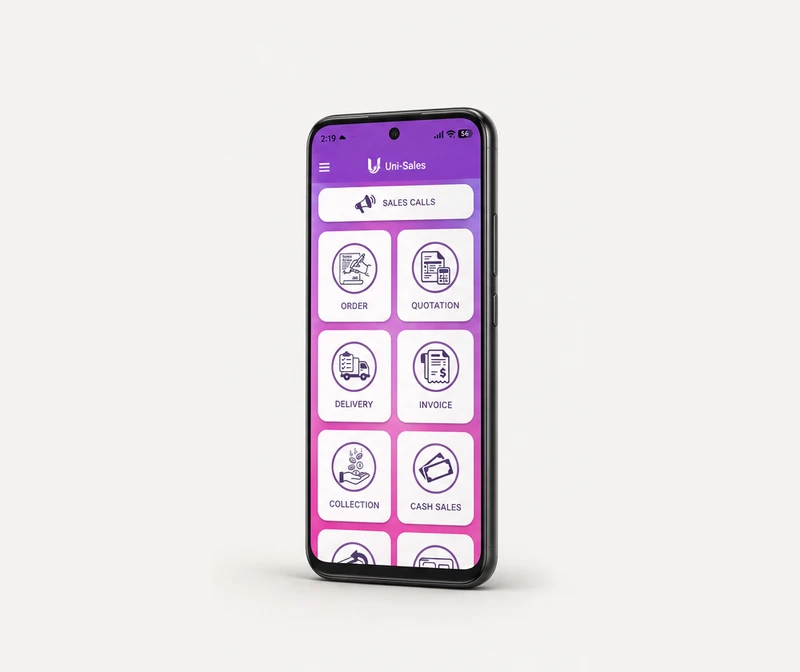
Check stock as you talk and confirm quantities face to face.
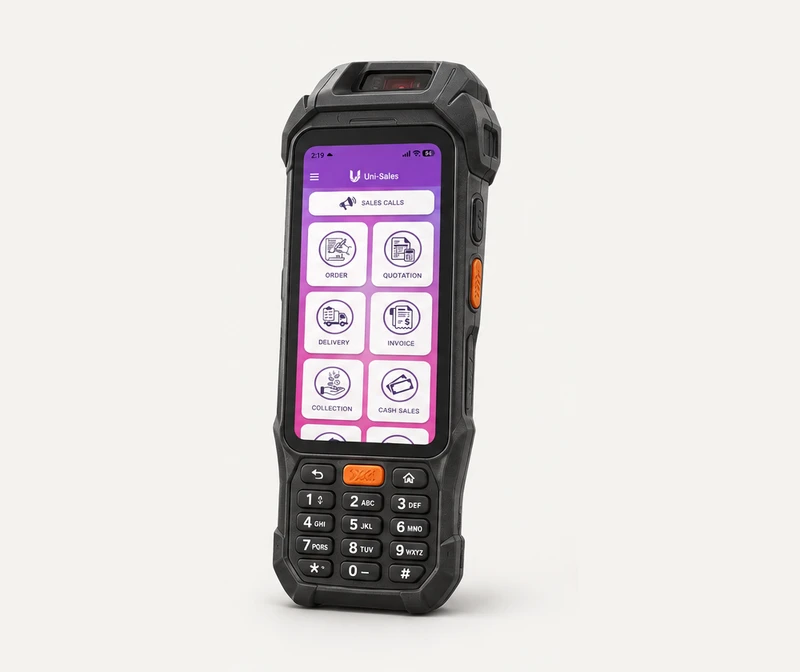
Scan items at the shelf to check each product code.
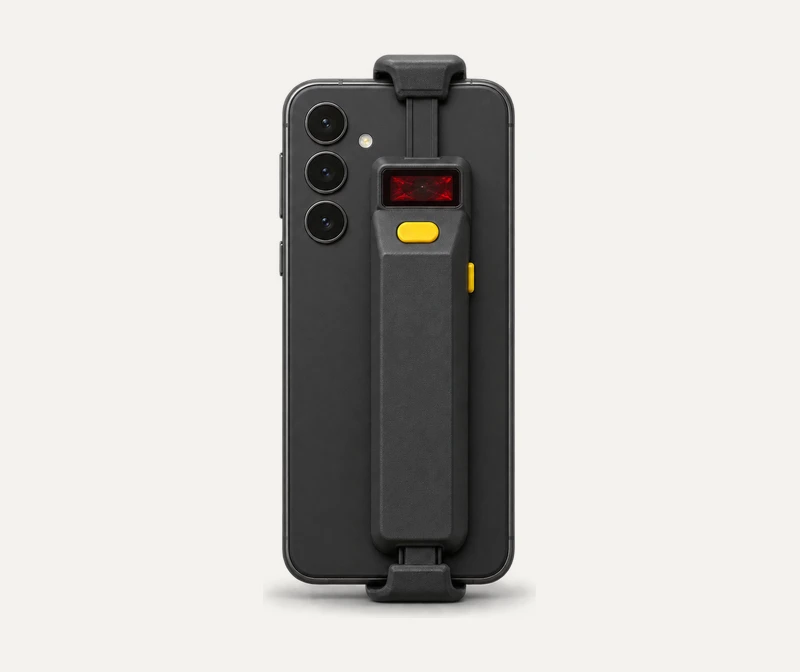
Attach a scanner to your phone to scan several items in succession.
From checking stock to taking an order, we refine each step so you can rely on it in front of a customer.
The UniSales development teamAnyone who visits shops knows how many calls it can take to earn a “Come back next time.” Business owners know what it means to trust someone with a long-standing customer.
We built UniSales to help you keep track of the small promises you make on each visit, so the person on the road and the team back at the office can finish the day with confidence.
Tell our Johor Bahru team how you take orders on the road. We’ll demonstrate the mobile ordering process using a wholesale or distribution scenario familiar to you.